
Plans & Pricing
From casual personal decisions to fair organizational decision-making.
We offer the best plans tailored to your specific needs.
PLANS
Plans & Pricing
Choose the plan that fits your needs.
Start instantly without an account
Basic access to all rooms
Manage your rooms with ease
Guest features + My Rooms Dashboard
Full features for security and efficiency
Ad-free, Copy Rooms, CSV Export, Automated Alerts
Annual: $299/yr | Monthly: $29/mo
Web subscriptions are charged in USD.
Pricing may vary by platform and region.
Start with a Free Account
Sign up for free to manage your rooms and save default settings.
* You can upgrade to the Business Member from your dashboard after registering as a free member.
Detailed Feature List
Feature Matrix
Comparison of features available for Guest, Free Account, and Business Member.
|
Feature
|
Guest | Free Account | Business Member |
|---|---|---|---|
|
Access to the Draw Room. Run fair online drawings and raffles by sharing a URL before the draw.
|
|||
|
Access to the Raffle Room. Create custom raffles where participants can pick roles or prizes.
|
|||
|
Access to the Voting Room. A fair voting tool for both organizers and participants.
|
|||
|
Access to the Draft Room. Automatically calculates the fairest allocation based on everyone's preferences.
|
|||
|
Access to the Planning Room. An online scheduling tool that gives everyone an equal voice.
|
|||
|
No limit on the number of rooms you can create.
|
Unlimited | Unlimited | Unlimited |
|
No limit on candidates, members, groups, voting options, or schedule dates.
|
Unlimited | Unlimited | Unlimited |
|
No limit on the number of viewers or voters. Supports thousands of users.
|
Unlimited | Unlimited | Unlimited |
|
Always protected with SSL/TLS encryption (HTTPS) for all data transmissions, preventing third-party eavesdropping or tampering to ensure safe use.
|
|||
|
Manage your created rooms in your dashboard. You can also link rooms created as a guest if you have the admin password.
|
— | ||
|
Edit and delete rooms without entering a password while logged in. Admin controls are hidden from others.
|
— | ||
|
Receive real-time push notifications when room results are finalized.
|
— | ||
|
Ads are hidden when you are logged in. Additionally, ads are removed from rooms you create, so you can share a clean page with others.
|
— | — | |
|
Restrict access to your rooms by IP address. Ideal for secure business use. Register up to 20 CIDR blocks.
|
— | — | |
|
Save your preferred visibility settings (Unlisted / IP Whitelisted) as defaults to prevent mistakes.
|
— | — | |
|
Set a password to view the room. Combined with the Unlisted URL, this prevents unauthorized access and ensures greater security.
|
— | — | |
|
Add an [Update] message between the Title and Description after results are public. The update will be displayed in red to communicate important additional information. Other fairness-related details remain locked.
|
— | — | |
|
Archive rooms to keep a private record. Available 3 days after results are finalized to ensure fairness.
|
— | — | |
|
Receive notifications when results are ready or at set times before deadlines. Supports mailing lists and Slack email integration. Register up to 5 addresses.
|
— | — | |
|
Create a new room by copying settings from a past room. Saves time and reduces setup errors.
|
— | — | |
|
Download finalized results as a CSV file for easy analysis in Excel or Sheets.
|
— | — | |
|
Direct assistance for high-stakes event operations.
|
— | — |
Introducing Business Features
Explore our rich set of features tailored for professional needs, from security enhancements to smooth event management.
Ad-Free ROOMs
Completely removes all advertisements from ROOMs and their result pages created by Business Members. Participants can vote or draw lots smoothly in a clean environment without being distracted by ads. This is ideal for professional settings where reliability and brand integrity are key, such as corporate events or business-to-business transactions.
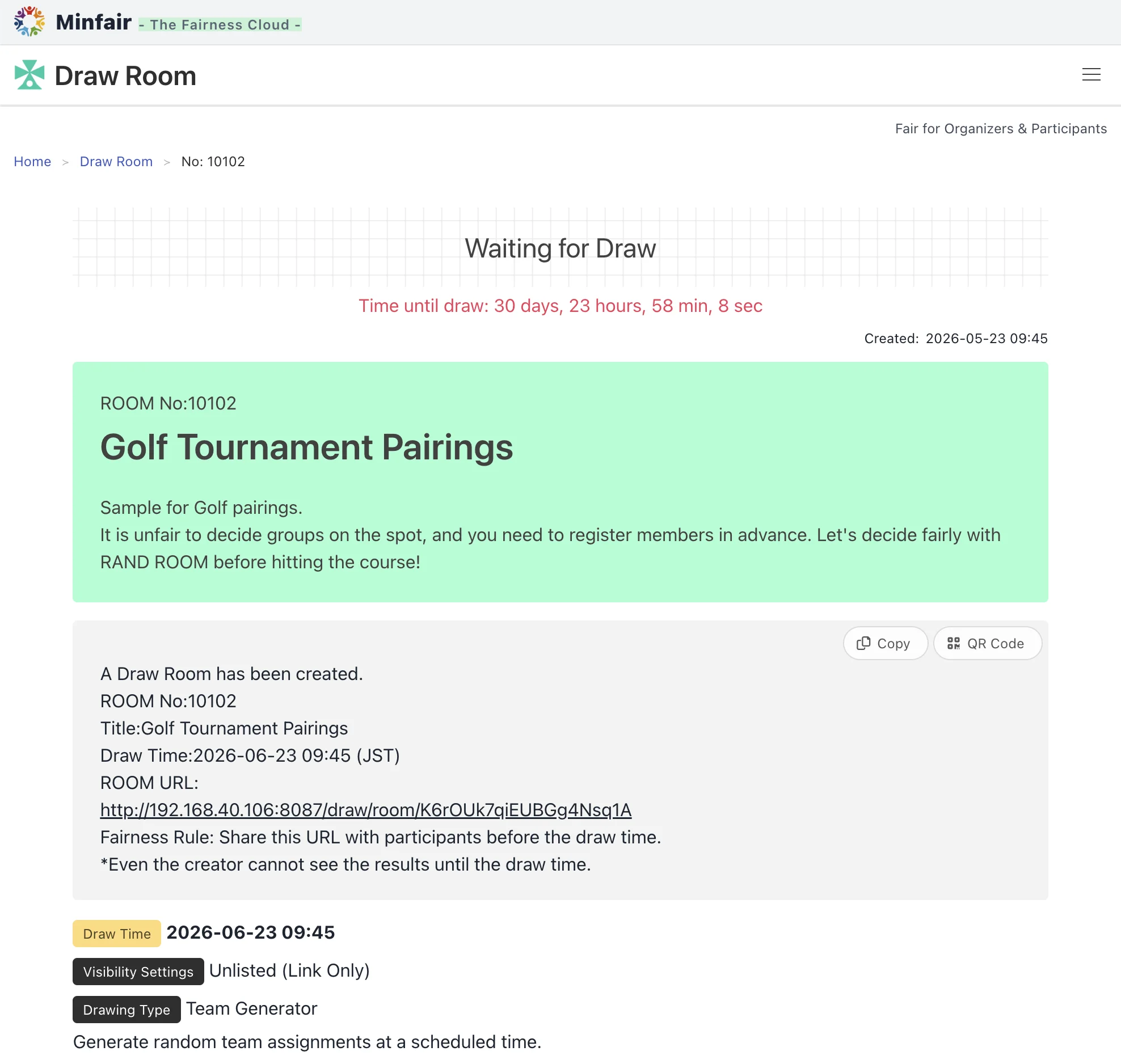
Access Restriction by IP Address
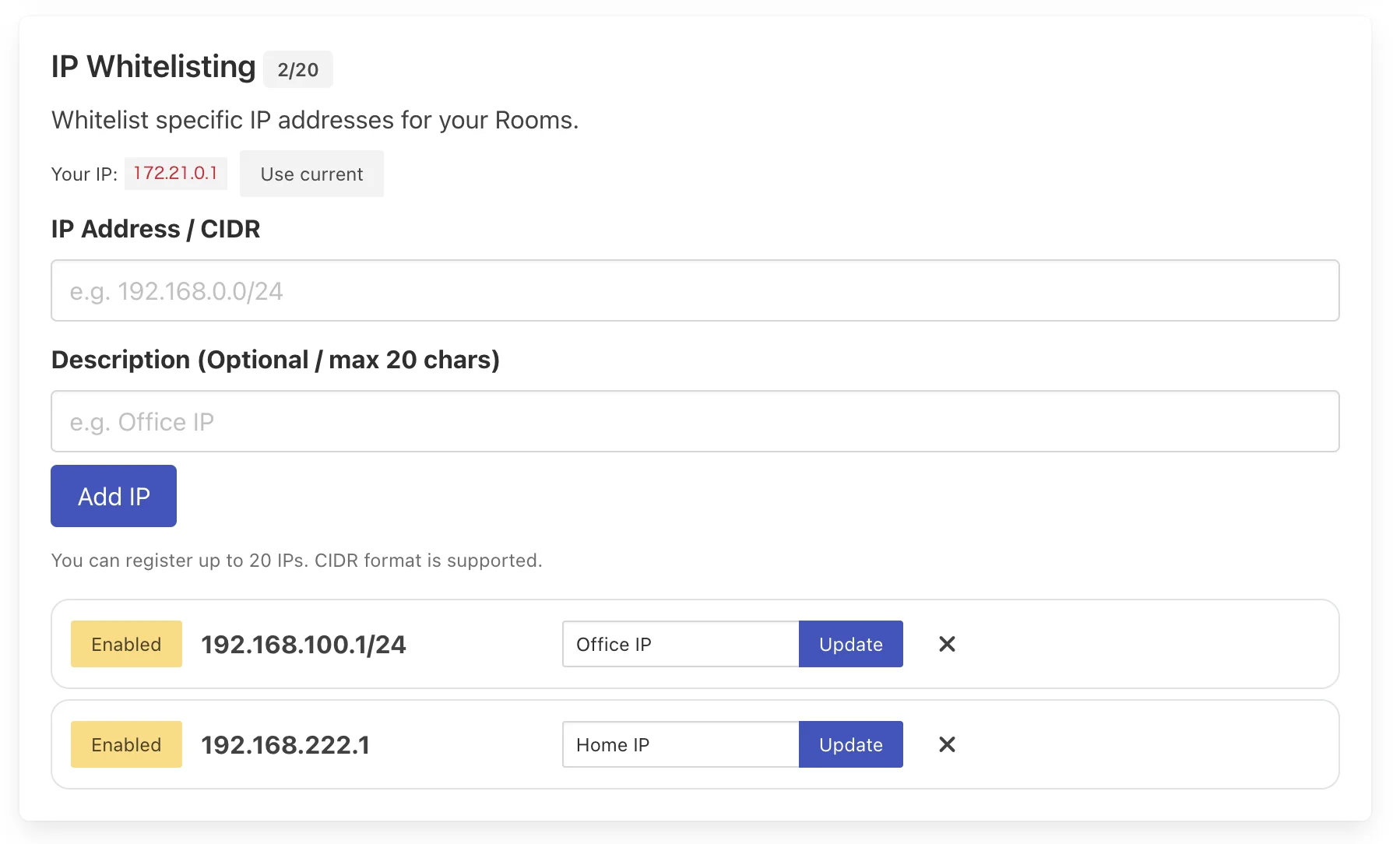
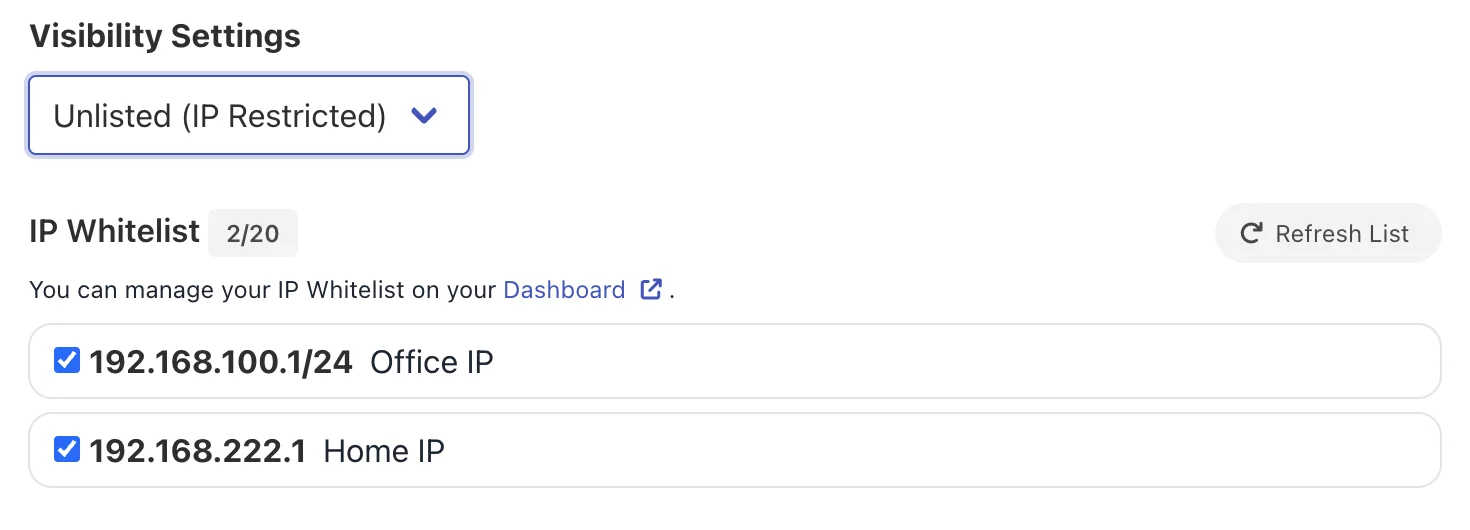
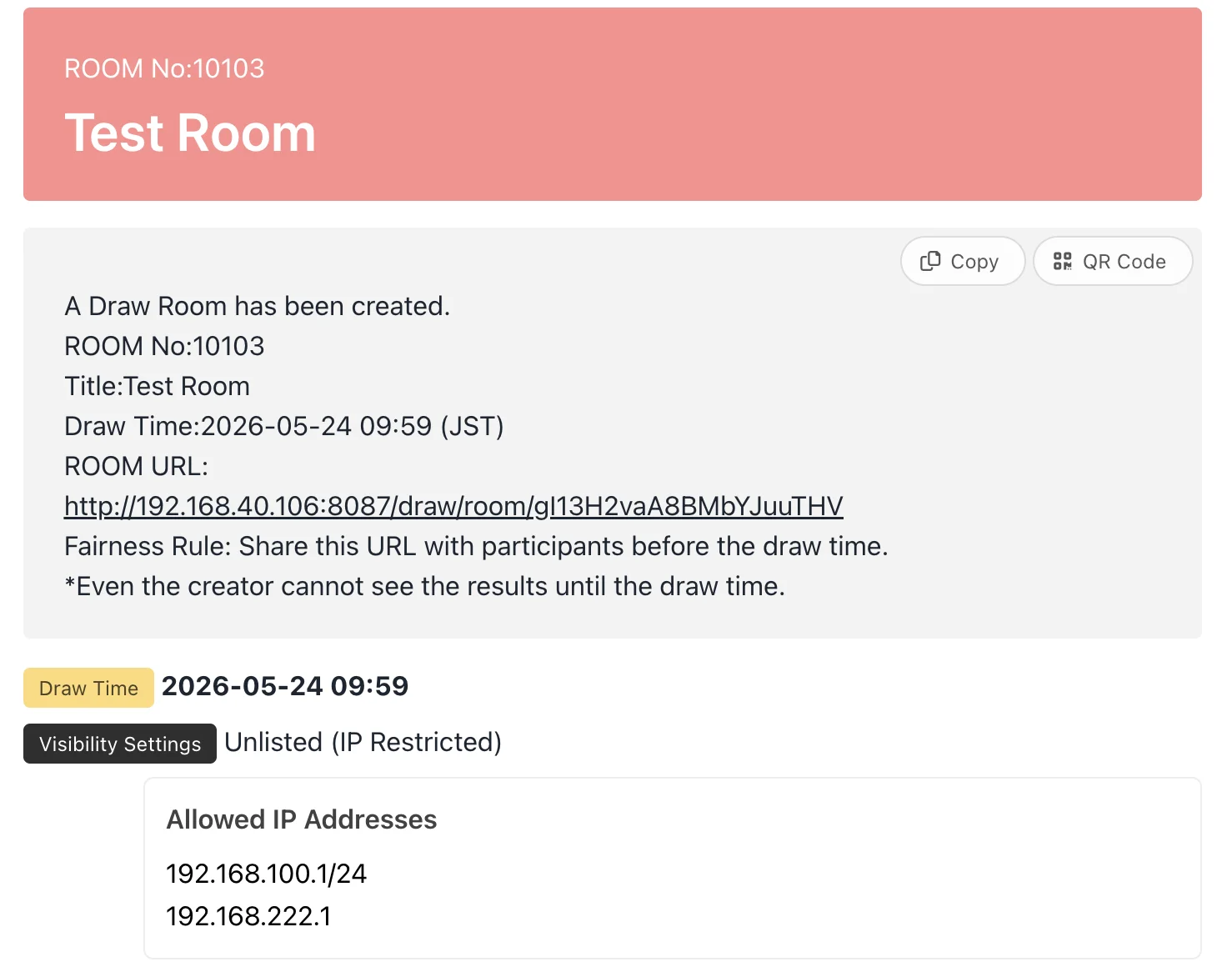
Restrict access to your ROOMs by specifying permitted IP addresses to prevent unauthorized views and access from outside your organization. You can pre-register allowed IP addresses (supports CIDR format, up to 20 addresses) with names in your Account Settings, and easily apply them by checking the box during ROOM creation. A one-tap feature to auto-fill your current IP address is also provided for quick configuration.
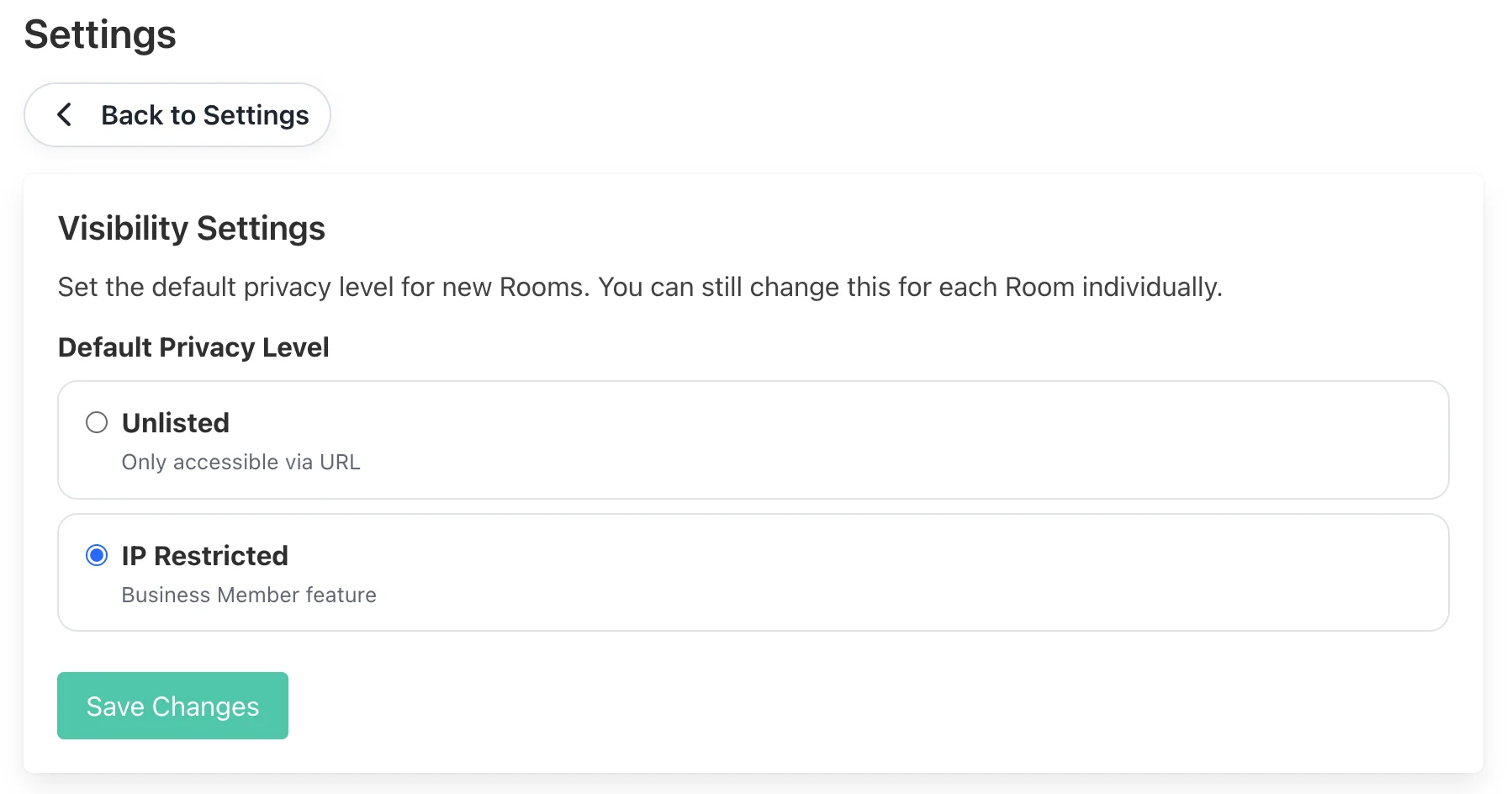
Default Visibility Settings
Set your preferred default visibility (e.g., "Only those with the URL" or "Restricted by IP address") in Account Settings for newly created ROOMs. This saves the effort of configuring it every time and helps prevent security configuration errors, such as accidentally creating a public ROOM or forgetting to apply IP restrictions.
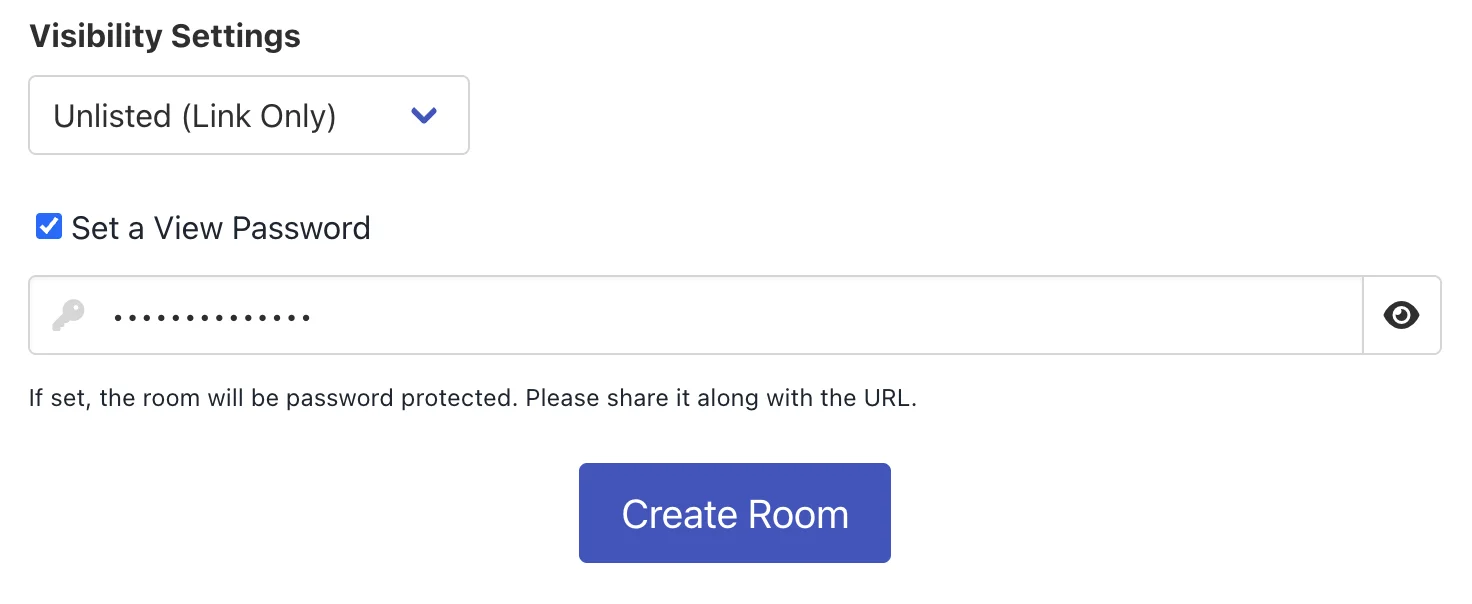
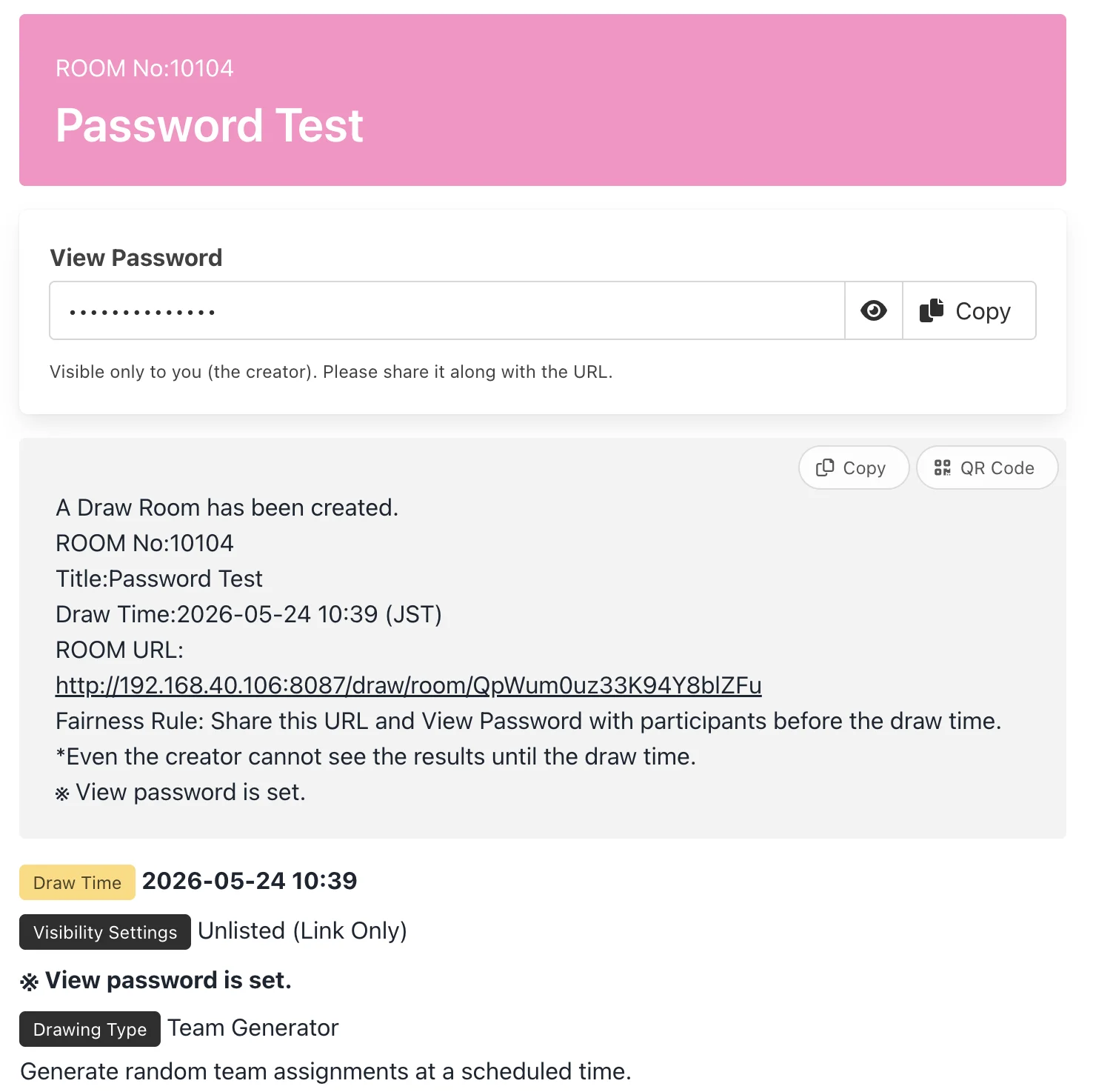
Password Protection
A double-layer security feature that requires a password for users to access the ROOM. By checking "Set a password" and defining it during ROOM creation, the password remains protected on the ROOM page, visible and copyable only by the creator (you). Share it along with the URL to authorized participants to completely prevent unauthorized access.
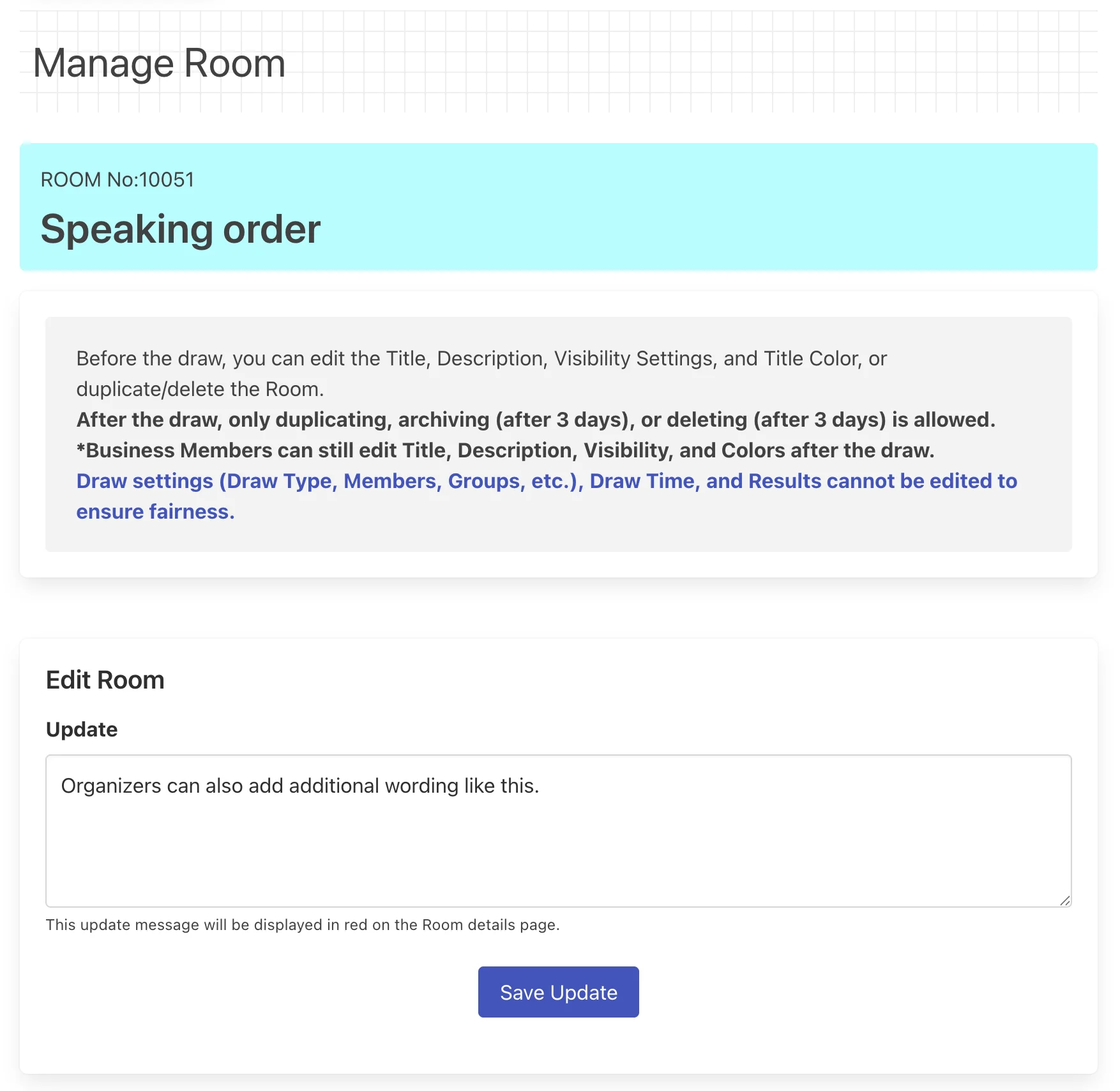
Post-Result Additions
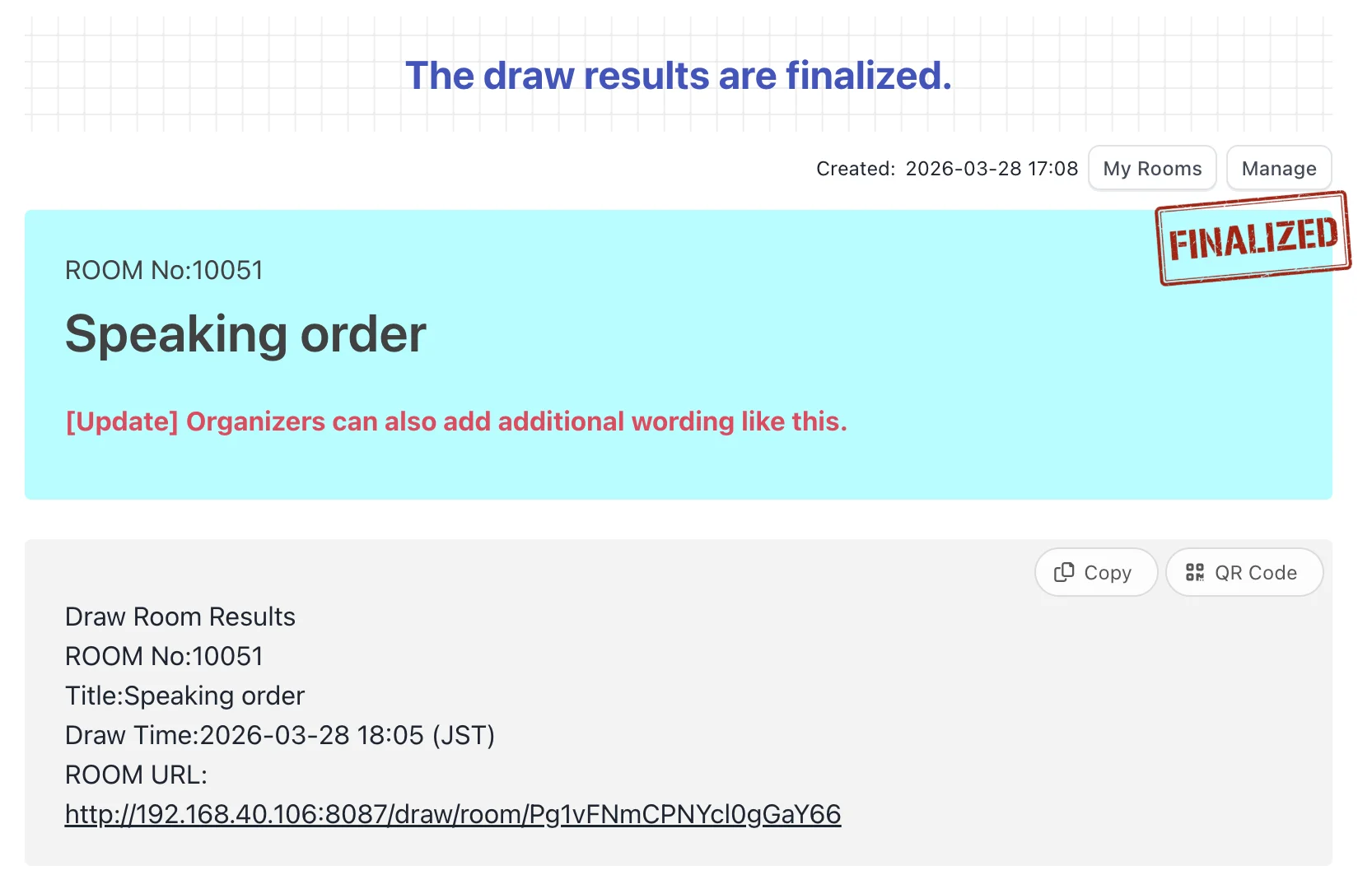
Even after the drawing results are finalized and published, the host can add guides or follow-up instructions as a "Postscript" message. Added text is highlighted in red on the ROOM details page. To guarantee absolute fairness, finalized results or conditions (type of draw, participants, groups, etc.) cannot be edited, but this feature is highly useful for smooth post-event communication or guiding participants to the next step.
Archiving ROOMs
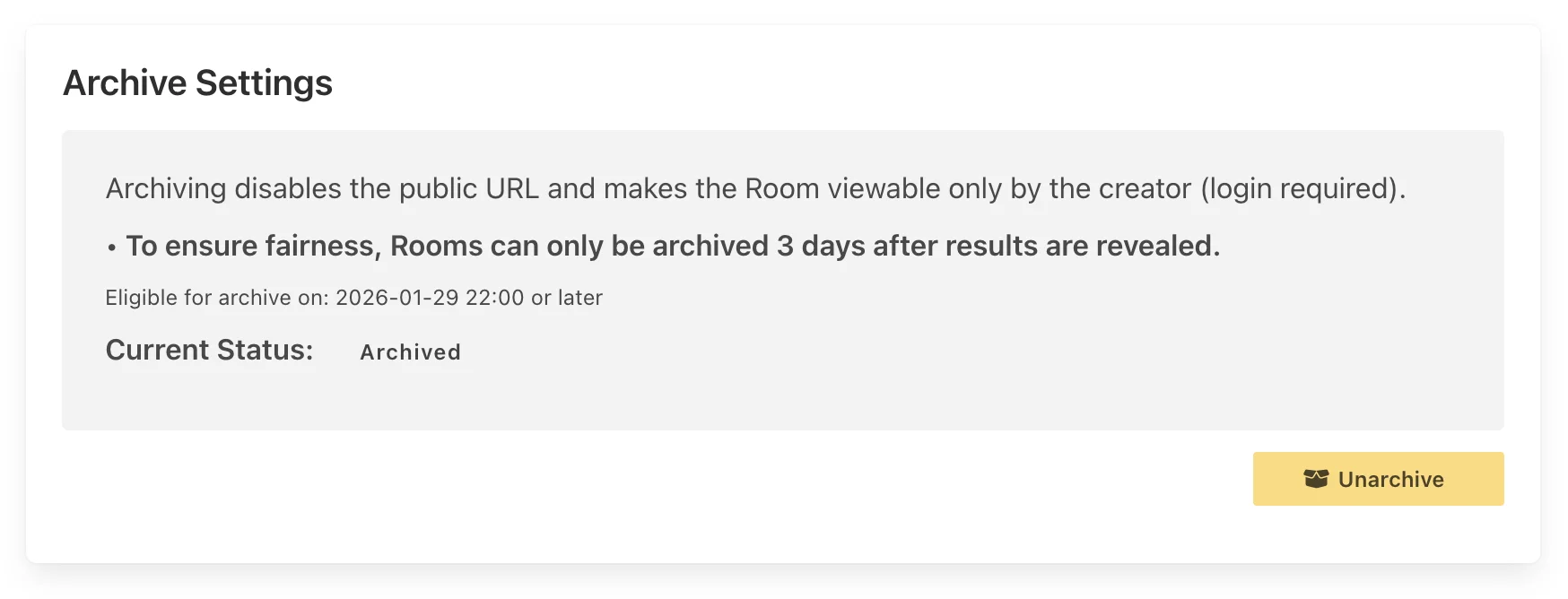
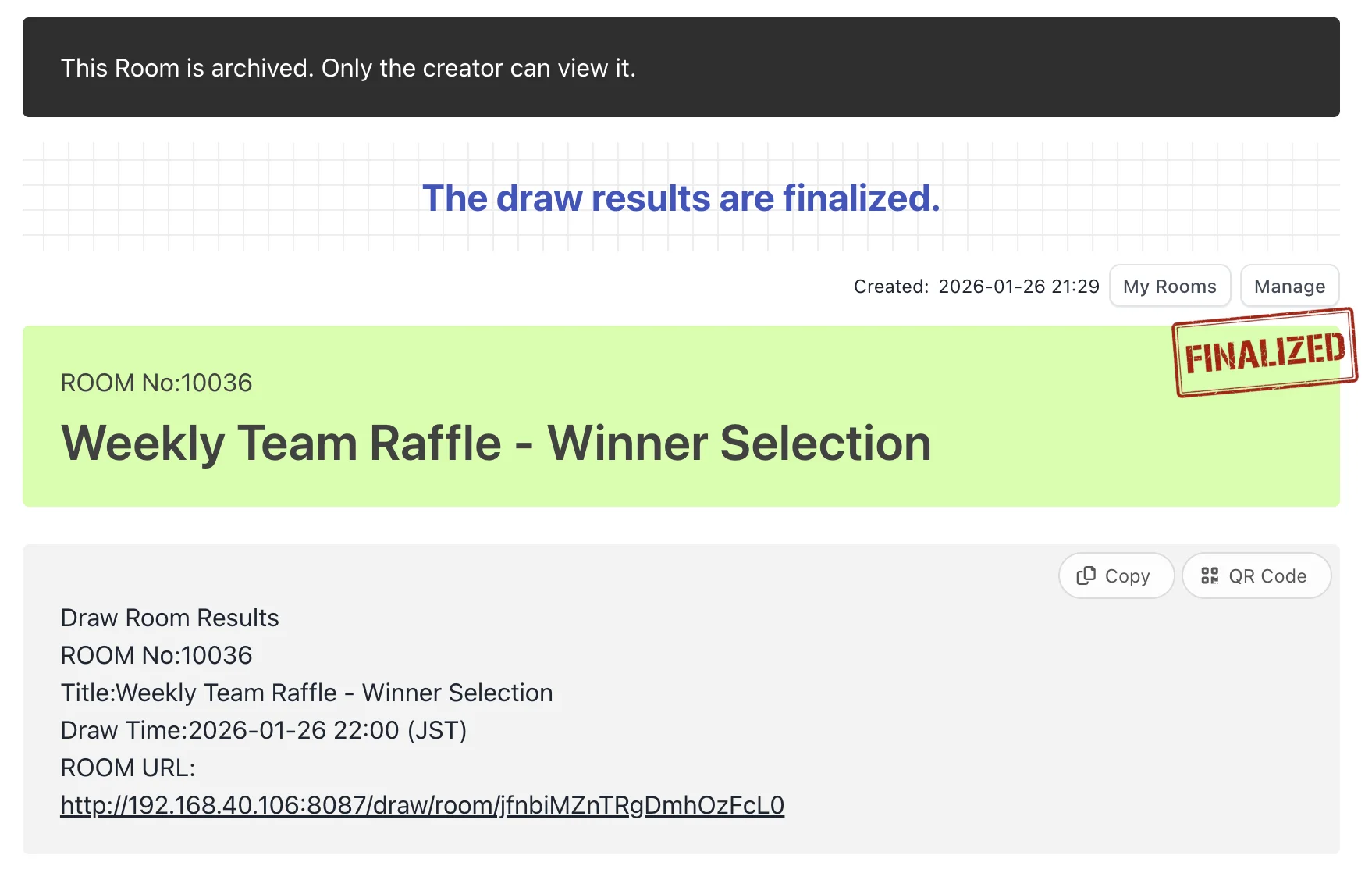
Deactivate the public URL of finished ROOMs and archive them privately to prevent access by third parties. Archived ROOMs can only be viewed and managed by the creator from Account Settings (login required). To maintain fairness, archiving is only available 3 days after results are published, allowing you to clean up safely while preserving audit trails.
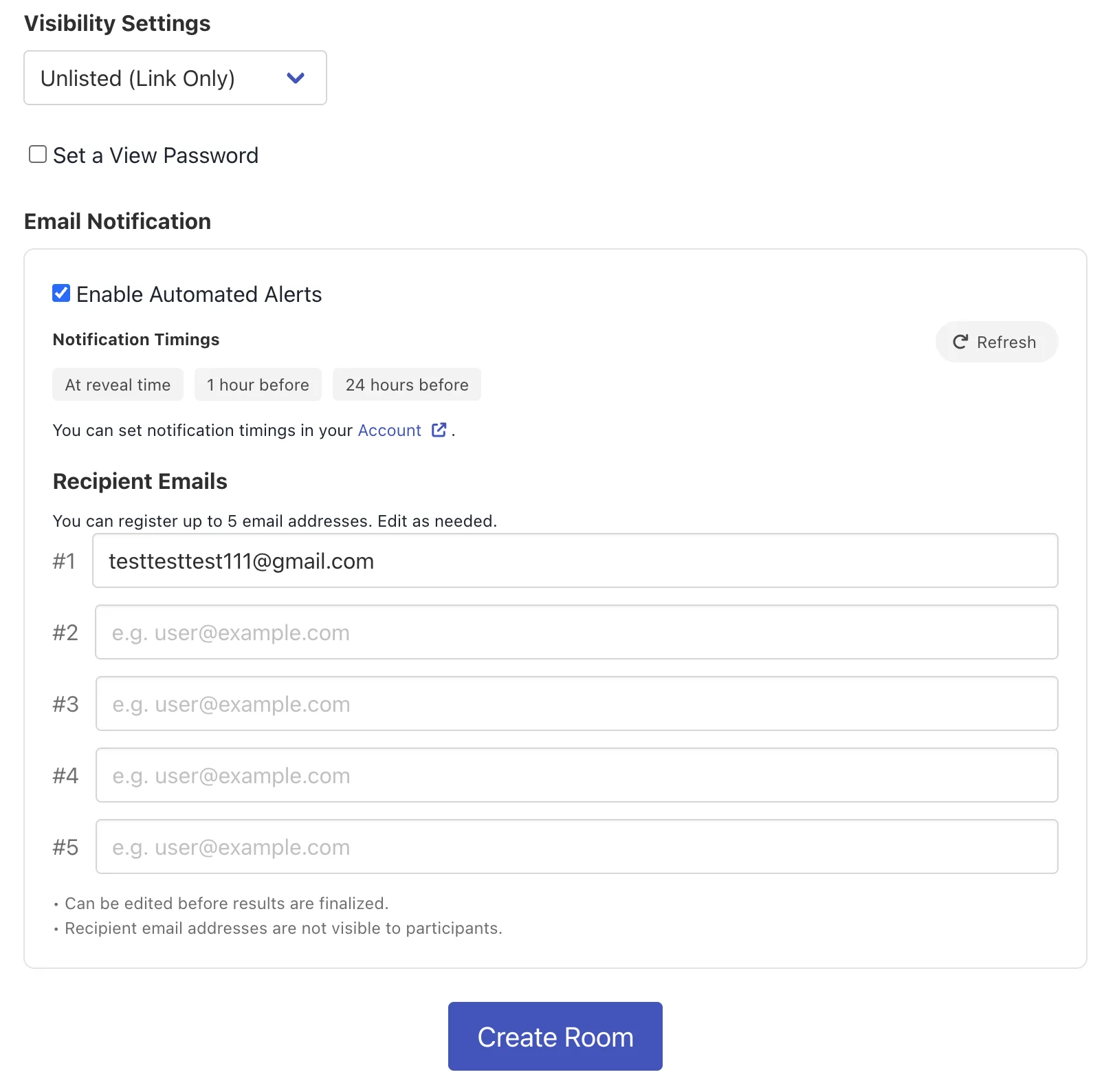
Enhanced Reminder Emails
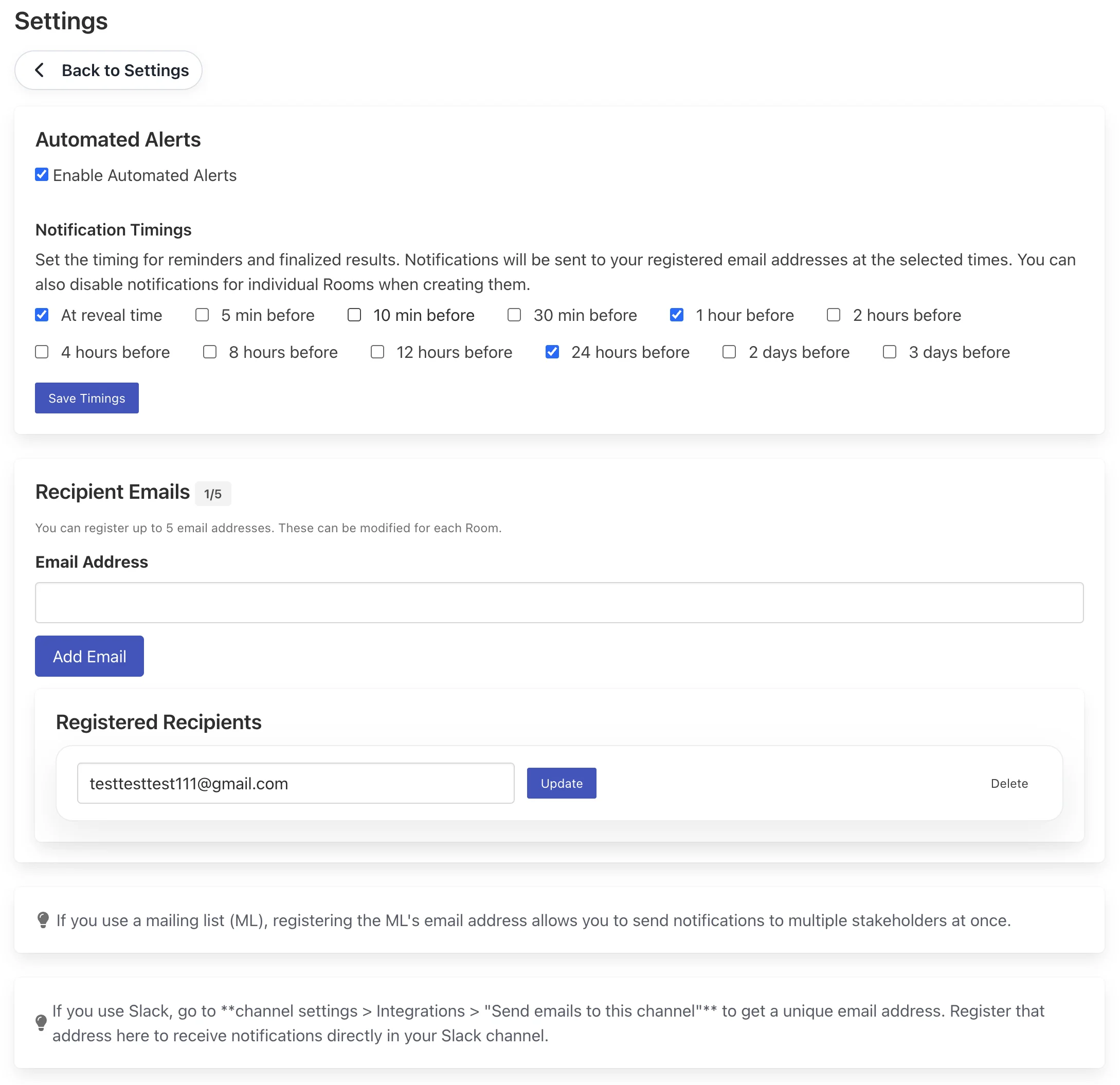
Send automated reminder emails when drawing/voting is finalized, or at chosen intervals (from 5 minutes to 3 days beforehand). You can register up to 5 email addresses. This allows you to notify everyone by registering a mailing list (ML), or integrate with external chat tools like Slack or Teams by using their email integration addresses.
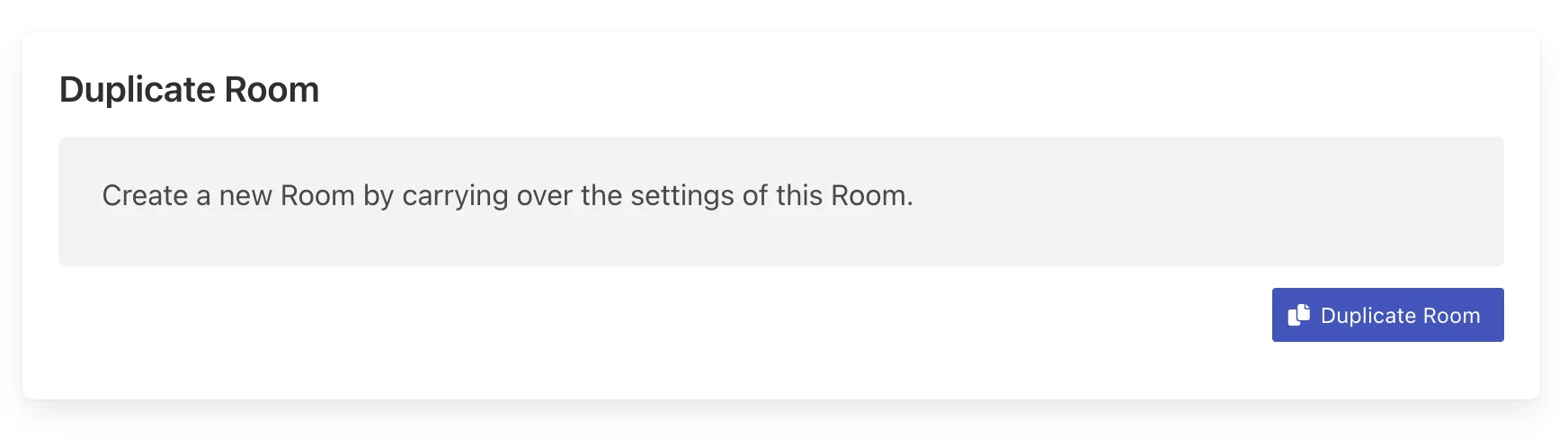
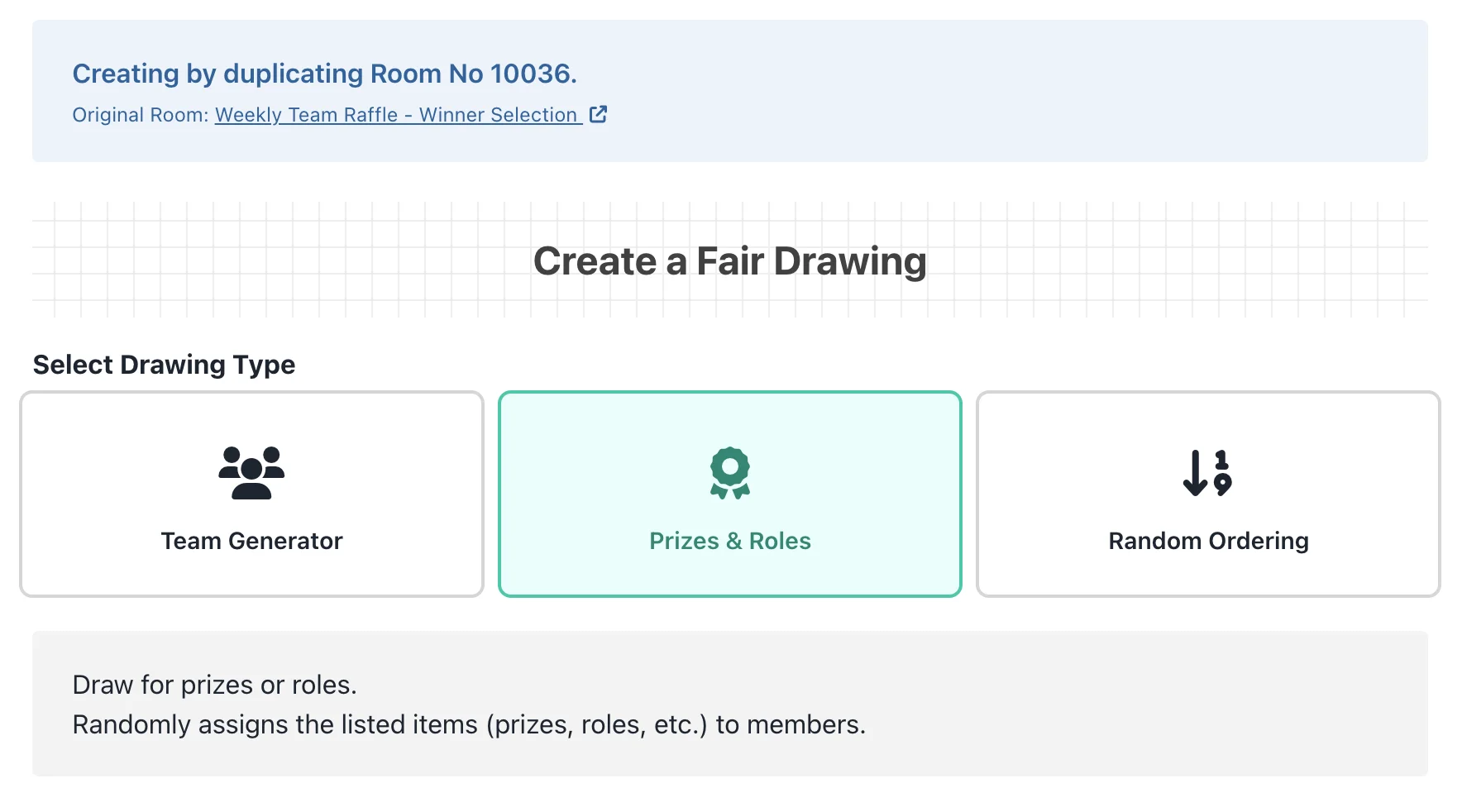
Duplicate ROOMs
Quickly copy and create a new ROOM by inheriting settings (drawing type, choices, participant list, etc.) from previously created ROOMs. This eliminates the need to input everything from scratch and significantly reduces operational effort for recurring internal events, routine draws, or when re-running a draw with minor adjustments.
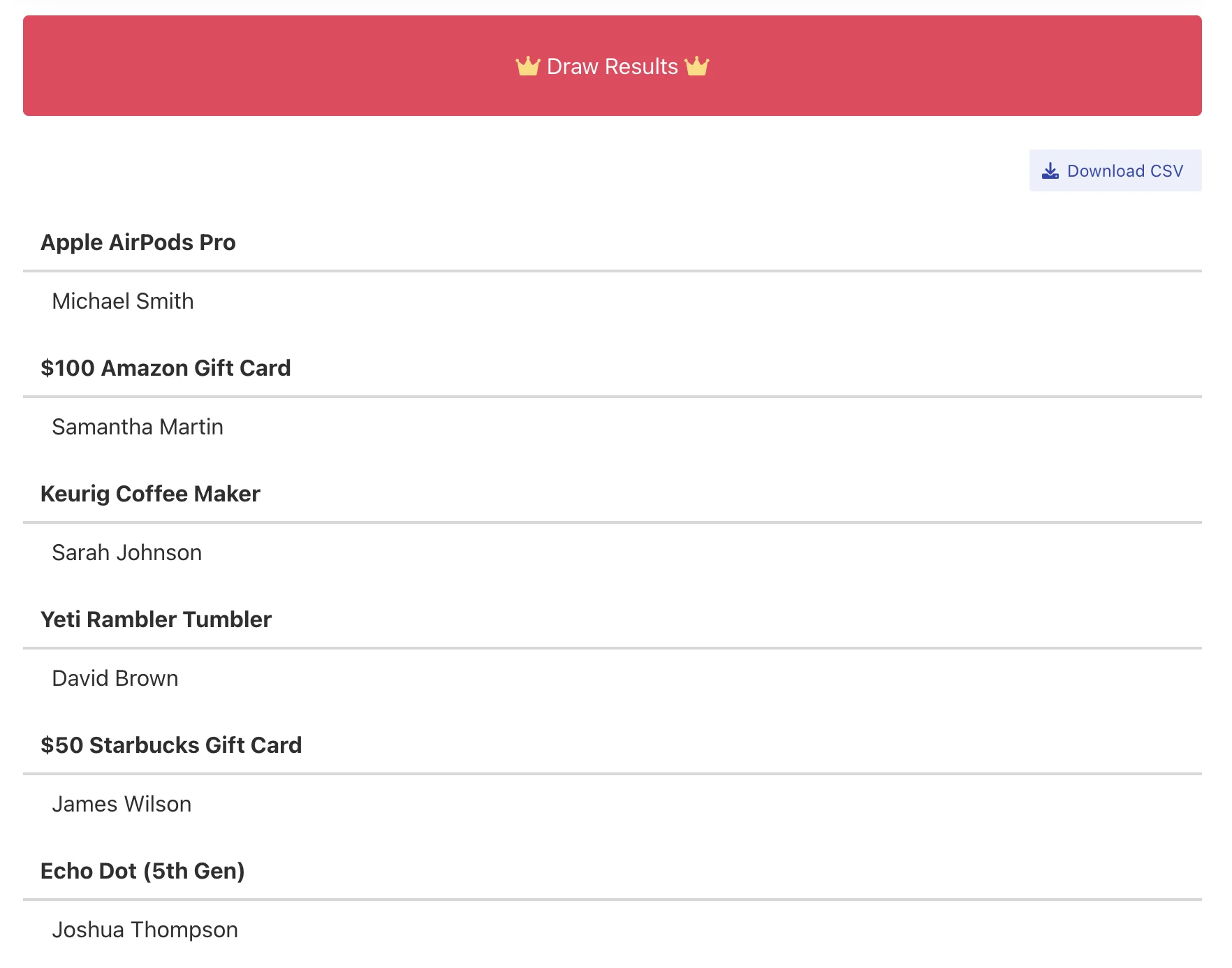
CSV Export of Results
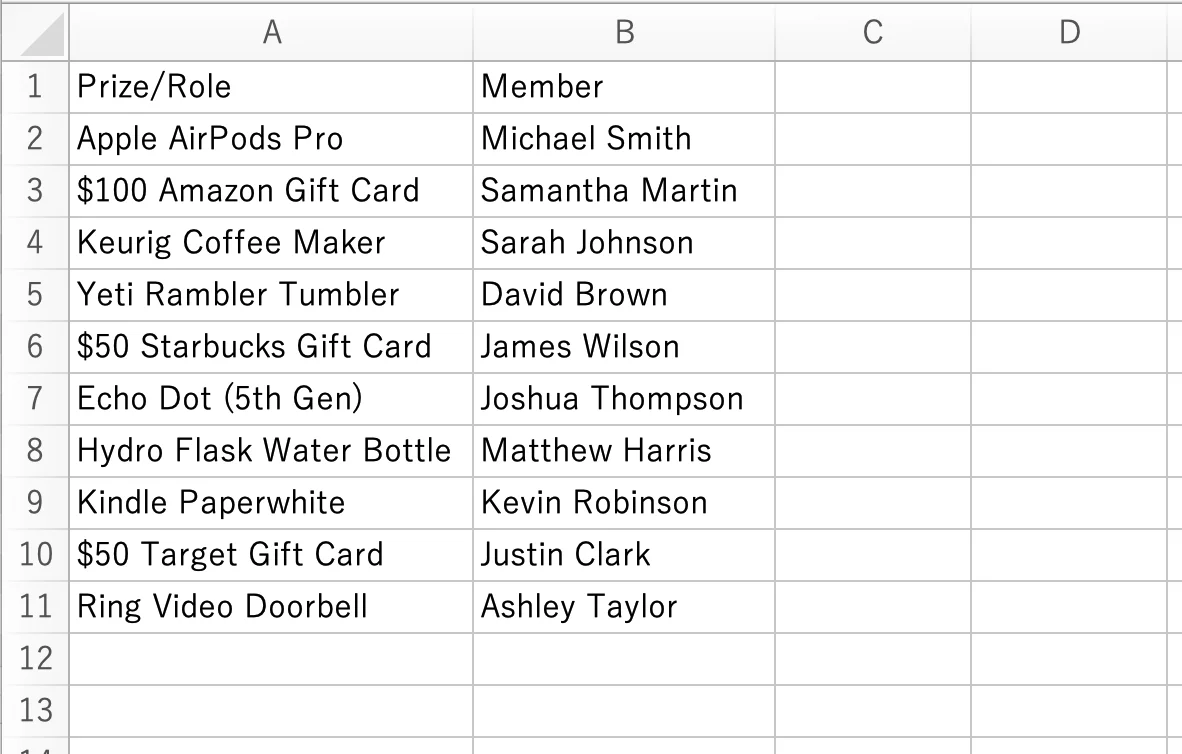
Download finalized drawing results or voting data in a CSV format. The exported data is organized with fields such as "Roles" and "Members", making it easy to import into spreadsheet software like Excel or Google Sheets for analysis, generate report documents, or load into other systems to streamline post-event administrative tasks.
Dedicated Email Support
Submit inquiries or questions via email through our contact form. When contacting support, you can select service categories such as "Drawing Room", "Raffle Room", or "Voting Room". Feel free to reach out for questions like "How do I operate this?" or "How do I set this up?", as well as in the event of any issues. Our team will review and reply carefully.
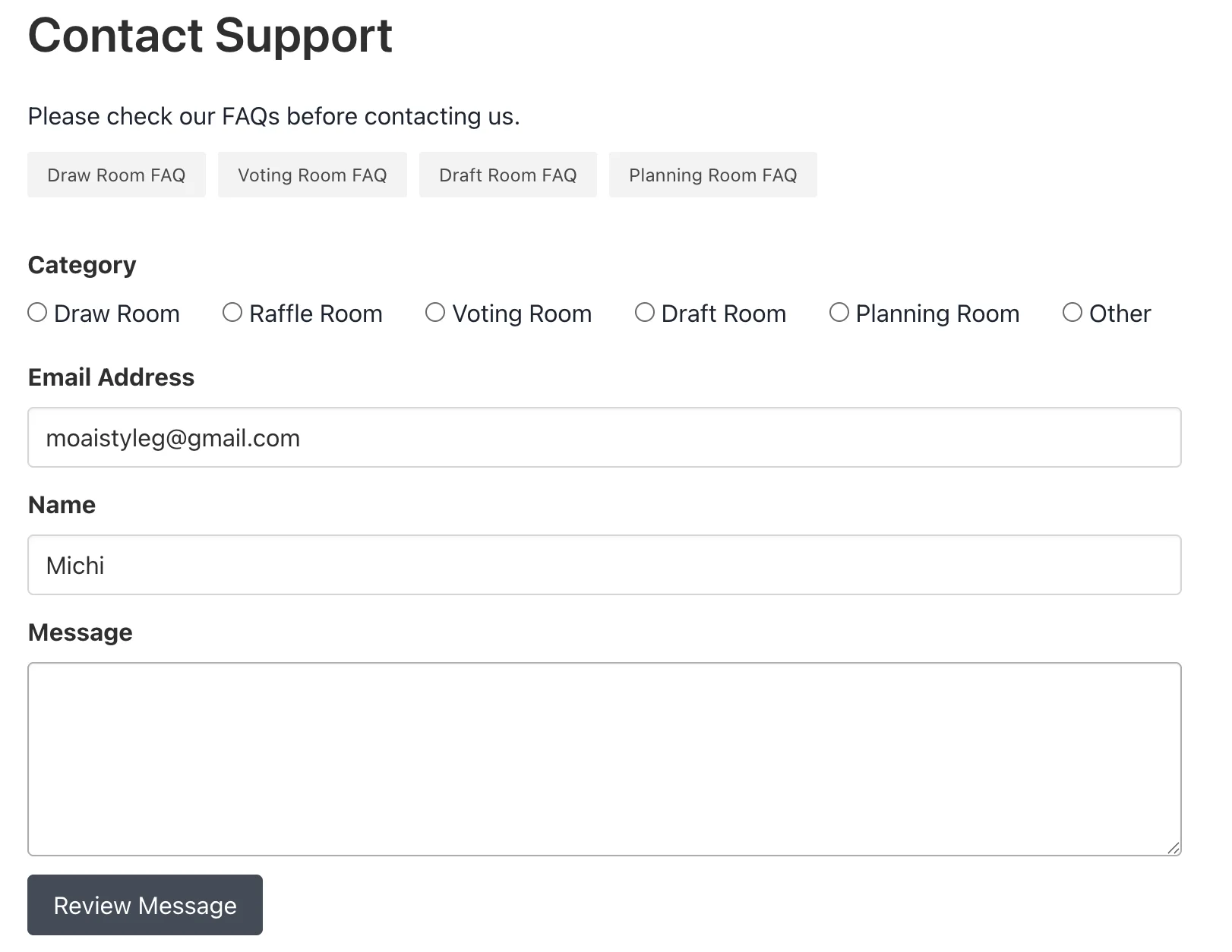
If you have any questions or need consultation, please feel free to contact us.
Contact Support